
In this guide, you’ll learn how to log in to Tableda for the first time and access your dashboard.
Step 1: Log in to the platform
After confirming your registration email, go back to tableda.com
and click on “Log in” (top right).

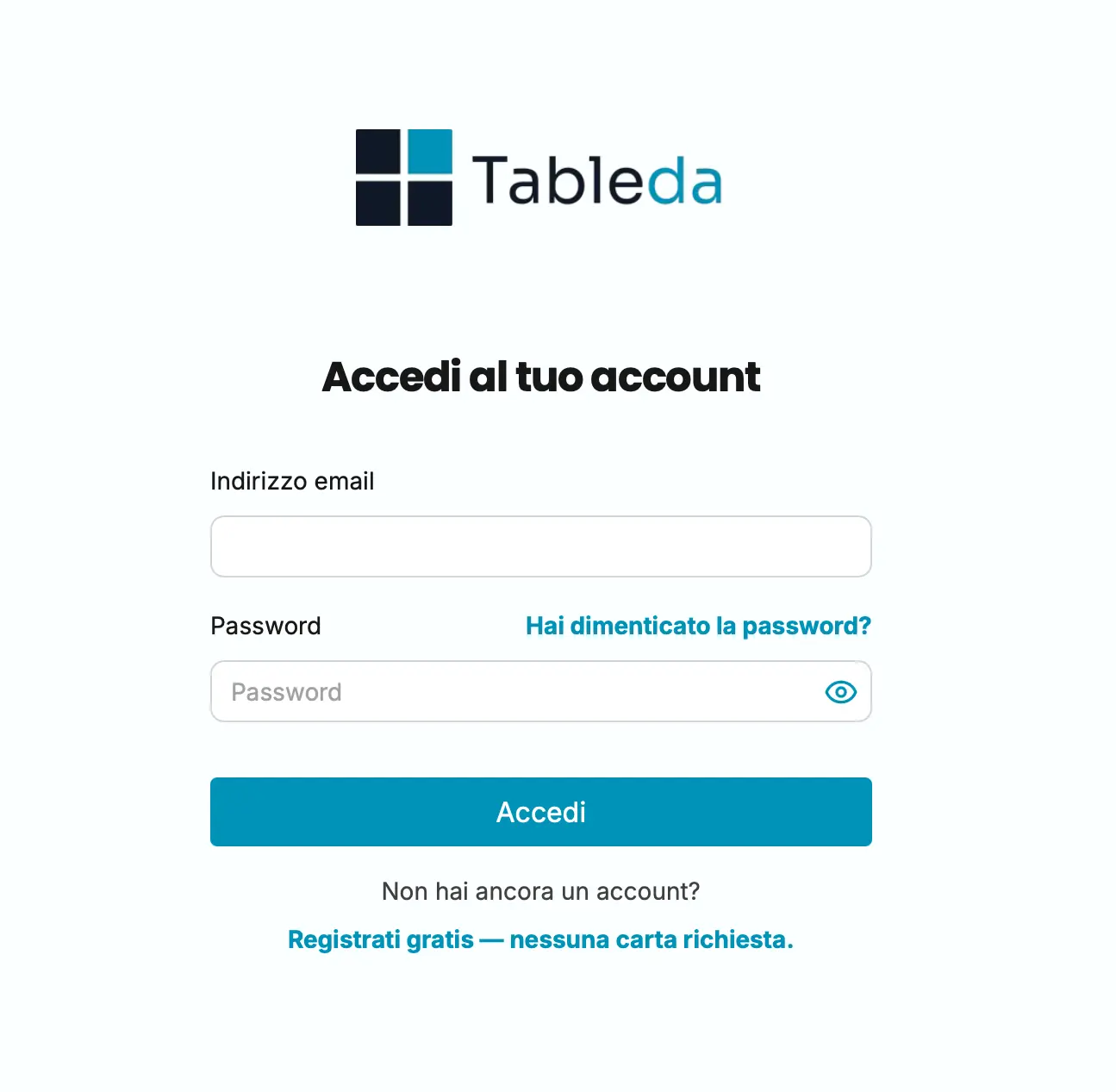
Step 2: Enter your credentials
Log in using:
- the email you used during registration
- the password you chose earlier
Step 3: First access to your dashboard
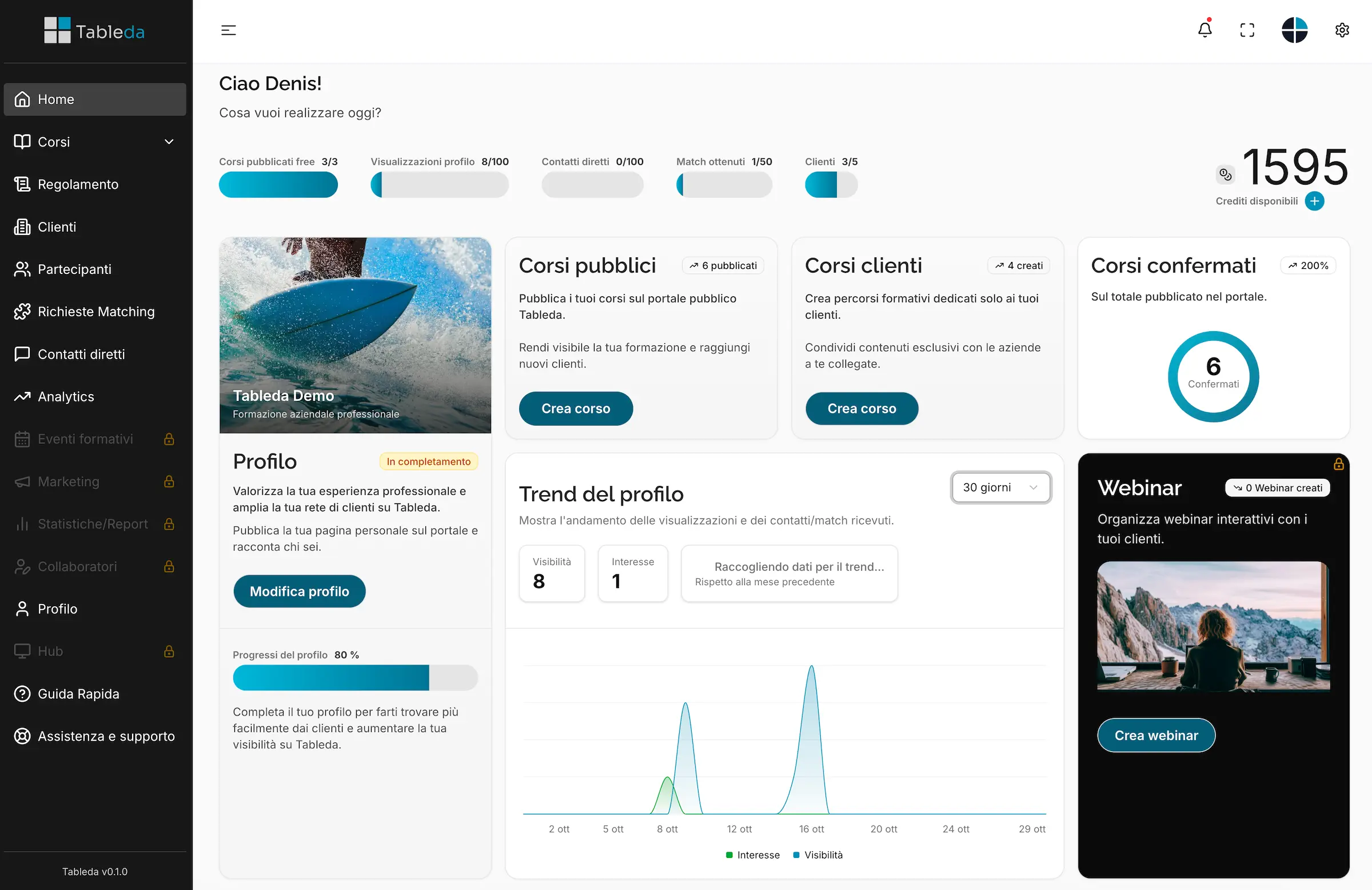
Once logged in, you will be directed to your dashboard.
Here you can:
- complete your profile (logo, description, contacts, links)
- add your first courses or events
- explore the platform’s main tools
Tip
If you can’t log in, make sure you have confirmed your activation email
or click on “Forgot password” to reset it.